Na tej strani
If you have been avoiding Reels because you think you need a production team, professional editing software, or hours of free time, this guide is for you.
Instagram's own 2026 Creator Report states that Reels receive 3.2x more reach than static feed posts - regardless of account size. A plumbing company with 600 followers can get more views on a Reel than a polished brand with 60,000 followers gets on a photo. The algorithm does not care about your follower count. It cares about whether people watch.
And the barrier to entry is effectively zero. Your smartphone is a better camera than the ones used to shoot feature films 15 years ago. Free editing apps give you capabilities that used to require expensive software. The only thing standing between you and consistent Reels content is knowing what to make and how to structure it.
Why Reels Work for Small Accounts
Instagram's algorithm in 2026 distributes Reels based on content quality signals, not account size. According to Meta's Q1 2026 Transparency Report, 47% of Reels feeds come from accounts the viewer does not follow. That means nearly half your potential audience has never heard of you - and Reels is how they will find you.
The algorithm watches four key metrics. Watch time: how much of your Reel people actually view. Completion rate: whether people watch to the end. Rewatches: whether people loop the video. And shares: whether people send it to others. None of these require a big budget. A well-structured 15-second Reel filmed on a phone will outperform a poorly structured 60-second Reel shot on a cinema camera every time.
Five Types of Reels Any Business Can Make
The businesses seeing the best Reels results are not making flashy content. They are making honest, useful, specific content that their audience cares about. Here are five formats that consistently work.
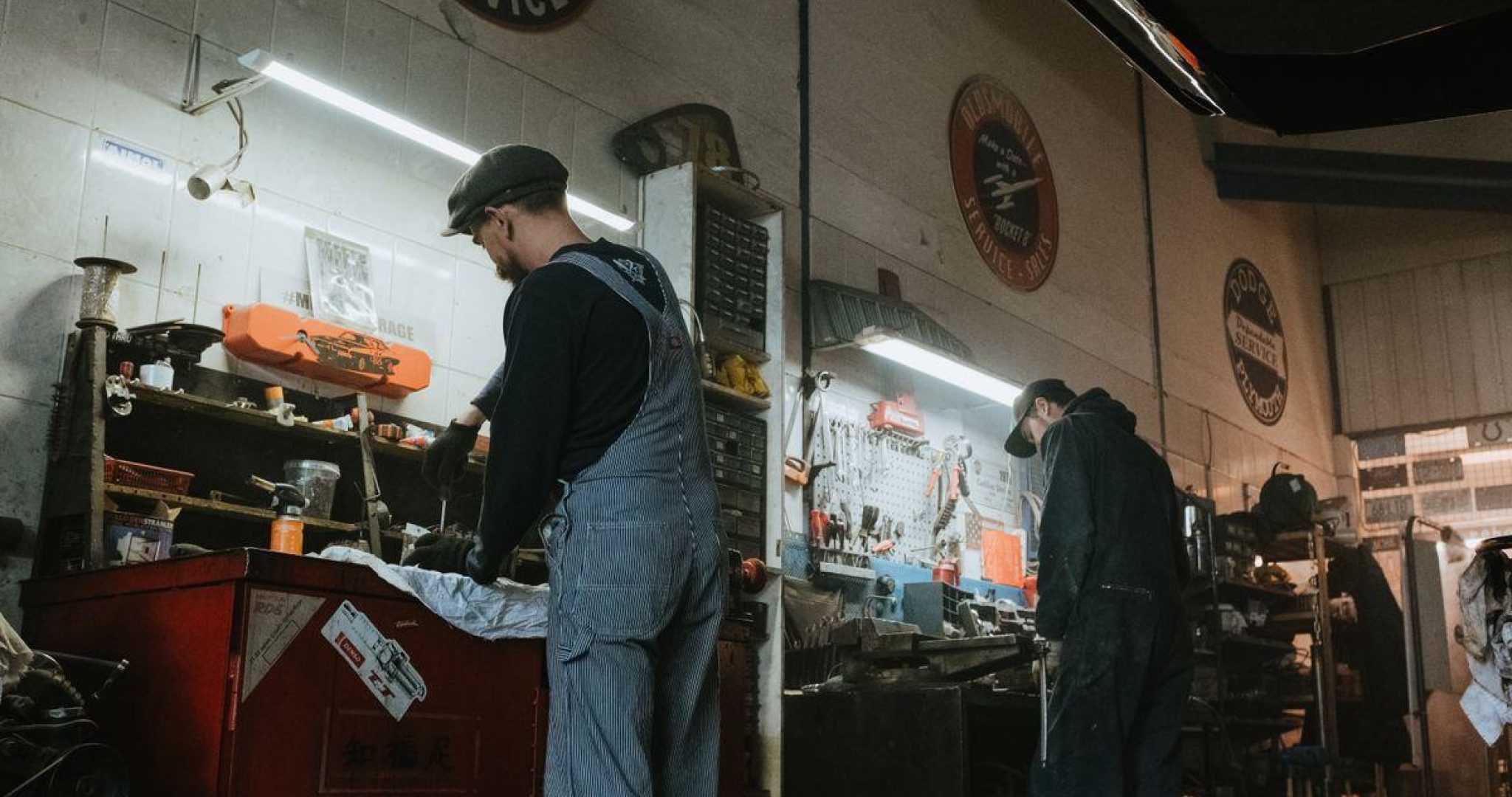
Behind-the-scenes content humanizes your brand. Show the unpolished reality of running your business - a time-lapse of morning prep, your desk setup, the diagnostic process on a tricky repair. Sprout Social's 2026 Authenticity Report found that 68% of consumers feel more connected to brands that show their process. These take 5 minutes to film.
Product or service demos show your offering solving a real problem. Do not describe it - demonstrate it. A before-and-after application, a sped-up room transformation, a 30-second screen recording of a key feature. HubSpot's 2026 Video Marketing Report found that demo Reels have the highest conversion rate of any Reel type, averaging 2.1% click-through to product pages.
Quick tips and tutorials share one useful piece of advice. One tip per Reel. The one stretch that fixes desk posture. The tax deduction 80% of freelancers miss. How to tell if an avocado is ripe in 3 seconds. Tutorial Reels get saved 3x more than any other format, and saves are a top-tier algorithmic signal that keeps generating reach for weeks.
Customer testimonials work as text overlays on simple B-roll footage. Film a short, relevant clip, add the customer quote as text, and use trending audio underneath. Nielsen's 2026 Trust Report shows 88% of consumers trust customer reviews as much as personal recommendations.
Trend adaptations take a trending format and adapt it to your industry. Lip-sync trends with your own text overlay, "POV" trends applied to your business, sound trends repurposed with your visuals. Instagram's 2026 data shows that Reels using trending audio in their first 48 hours receive 2.7x more reach than those using original audio.
| Reel Type | Time to Film | Why It Works |
|---|---|---|
| Behind-the-scenes | 5 min | Humanizes brand, builds connection |
| Product demo | 10 min | Highest conversion rate (2.1% CTR) |
| Quick tip / tutorial | 10 min | 3x more saves than other formats |
| Customer testimonial | 5 min | Social proof drives action |
| Trend adaptation | 10 min | 2.7x reach with trending audio |
Free Tools for Shooting and Editing
You do not need Adobe Premiere. You do not need a ring light. You need your phone (any smartphone from the last 3 years shoots 1080p video that is more than sufficient), Instagram's built-in editor (handles trimming, text overlays, audio, and effects), CapCut's free version (if you want transitions, auto-captions, and speed adjustments), and natural light (film facing a window during the day).
That is it. Do not buy equipment until you have posted at least 20 Reels. If your content is not performing with basic tools, the problem is your content strategy, not your gear.
A Simple Weekly Reels Workflow
Here is how to batch a week of Reels in about 30 minutes. On Monday, spend 10 minutes filming 3 to 4 short clips. Pick from the five types above. Do them in one session - change your shirt between clips if you want them to look different. On Tuesday through Thursday, spend 5 minutes per day editing one Reel using Instagram's built-in editor or CapCut. Add text overlays, pick audio, write a short caption. On Friday, schedule all Reels for the following week.
Total time: about 30 minutes of active work for a week of Reels content. Compare that to the 6+ hours the average SMB spends on social media weekly.
For scheduling, tools like Picmim let you plan and schedule Reels alongside your other content. You can see your entire week's social media output in one view, mix Reels with static posts and stories, and make sure your feed looks cohesive.
Conclusion
The businesses seeing the best Reels results in 2026 are not the ones with the best equipment. They are the ones who show up consistently, share genuinely useful or entertaining content, and stop worrying about perfection.
Start with one Reel this week. Use your phone. Pick a format from the list above. Film it in 10 minutes. Post it. Then do it again next week. The algorithm rewards consistency more than polish, and your audience rewards authenticity more than production value. You already have everything you need.